
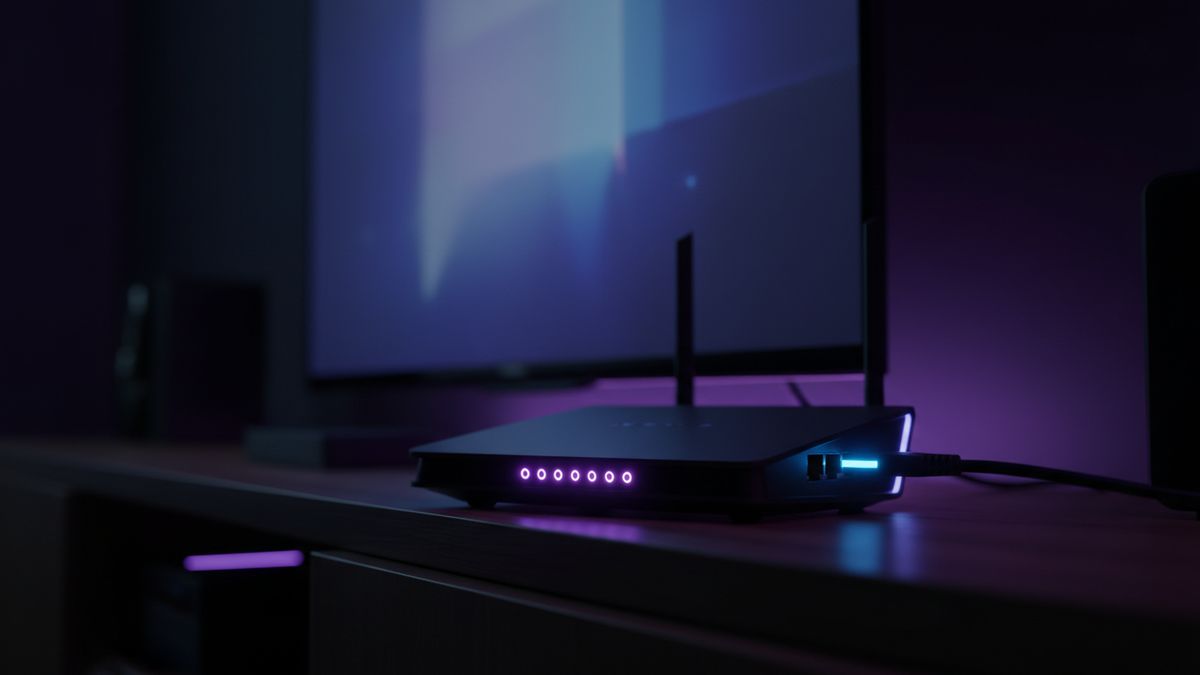
Buffering is nearly always a network problem rather than a fault with the stream itself. Work through these in order and most cases resolve before you reach the end.
1. Go wired if you possibly can
An ethernet cable beats wifi every time for live sport. If the television is anywhere near the router, this single change fixes more buffering than everything else combined.
2. Use 5 GHz, not 2.4 GHz
Most routers broadcast two networks. The 2.4 GHz band travels further but is slower and far more congested. Connect the television or Stick to the 5 GHz network.
3. Move the Fire Stick off the back of the TV
Pushed flat into a rear HDMI socket, a Fire TV Stick runs hot and sits inside the television’s own electrical noise. A short HDMI extender, usually supplied in the box, makes a measurable difference.
4. Clear the player cache and close other apps
Streaming devices have very little memory. Closing background apps and clearing the player cache frees up enough to keep a 4K stream steady.
5. Ask for an alternative feed
If one feed for a match is struggling under load, there is often another carrying the same event. Message us during the game rather than after it and we will point you at it.