IPTV Cast is a UK service that delivers live television, sport and films over your existing broadband connection. There is no dish, no engineer visit and no rolling contract. This page explains plainly what you get, what it costs and what happens after you order.
What IPTV Cast is
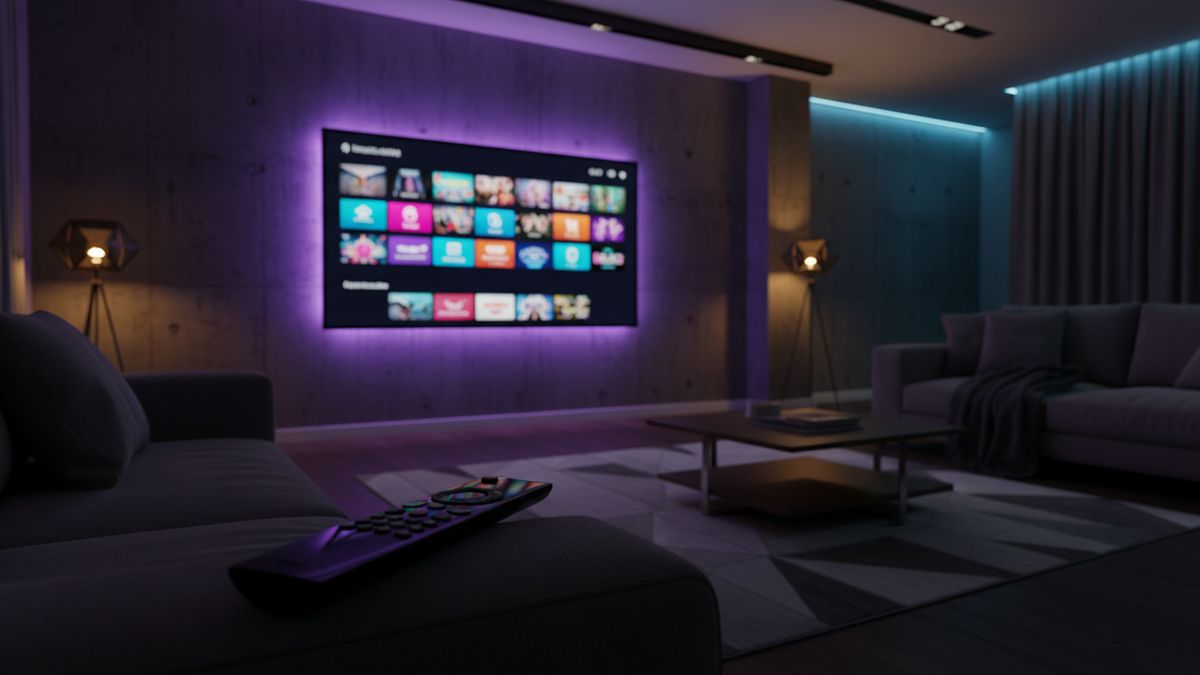
Instead of a signal arriving through an aerial or satellite dish, channels are streamed to an app on a device you already own: a streaming stick, a smart television, a phone, a tablet or a computer. The result is the same live television and the same on-demand films, delivered over the internet with a full seven-day programme guide.
You buy a prepaid pass for a fixed term. Nothing renews automatically, no card is stored, and when the term ends you decide whether to buy another.
The two tiers
There are two quality levels, and both work on every supported device.
- Standard carries 25,000+ live channels and 140,000+ films and series in Full HD 1080p. It suits everyday viewing: news, soaps, drama and sport on a normal television.
- Premium 4K adds 57,000+ channels, 238,000+ titles, 4K UHD picture, premium sports channels, faster content updates and priority performance at peak times.
The full row-by-row breakdown is on the compare plans page.
What the plans cost
- 3 months — £24.99 Standard, £34.99 Premium
- 6 months — £34.99 Standard, £49.99 Premium
- 12 months — £49.99 Standard, £69.99 Premium
- 24 months — £79.99 Standard, £109.99 Premium
Every price is a single payment for the whole term. The 24 month Standard plan works out at roughly £3.33 a month, which is where most of the saving against traditional pay TV comes from.
What you can watch
The line-up covers UK and Irish terrestrial and entertainment channels, a large sport section including football, rugby, cricket, boxing and motorsport, film channels, children’s channels, news, documentaries and a wide international selection including Arabic, European, American and Asian channels. Pay-per-view events are included rather than charged separately.
There is a category-by-category summary on the channel line-up page. If you want one specific channel, ask before you buy and we will confirm whether it is carried.
Which devices it runs on
Amazon Fire TV Stick and Cube, Samsung and LG smart televisions from roughly 2018 onward, Android TV boxes, Apple TV, iPhone and iPad, Android phones and tablets, Windows and Mac, and MAG or Formuler receivers.
Televisions older than about 2018 often will not accept the app. The usual fix is a streaming stick in a spare HDMI socket. There is a setup guide for every device, and the device list shows what is supported.
What happens after you order
- You choose a tier and a term and press order, which opens a message with the plan already filled in.
- We confirm the price and agree how you are paying. No payment is taken on this website and no card details are entered here.
- Your login details arrive with a setup guide written for your specific device.
- You install the player, enter the details, and the channel list and guide load.
Most people are watching within a few minutes. If you would rather be walked through it step by step, say so and we will do that instead.
One connection, or more
Every plan includes one connection, meaning one device watching at any moment. You can install the app on as many devices as you like and switch between them. Households that need two or three screens running at once can add up to five connections — ask for a quote before you pay.
Before you commit
You can request a trial and test it at peak time on the channels you actually care about. That is the only test worth doing: any service streams well at three in the afternoon, and what matters is 8pm on a Saturday.
A valid TV Licence is required to watch live television in the UK, and that responsibility sits with you as the viewer.